
 how-to
Landscape Project Communication Management Steps
Table of Contents
- Why Landscape Project Communication Management Steps Decide Whether Your Build Succeeds
- Step 1: Define Project Scope, Deliverables, and Site Constraints
- Step 2: Identify Stakeholders and Map a Communication Matrix
- Step 3: Build a Landscape Project Communication Plan Template
- Step 4: Set Landscape Design Project Timeline Expectations Up Front
- Step 5: Manage Weather Delays, Budget Variance, and Client Expectations
- Step 6: Best Practices for Contractor-Client Communication on Site
- Step 7: Use Landscape Project Management Software Tools to Track Progress
- Frequently Asked Questions
Last Updated: September 16, 2026
Why Landscape Project Communication Management Steps Decide Whether Your Build Succeeds
A backyard transformation rarely fails because of bad stonework. It fails because nobody told the homeowner that the crew would be off site for four days waiting on a delivery. That is why landscape project communication management steps matter more than most people expect: they keep scope, schedule, and expectations aligned from the first walkthrough to the final walkthrough.
Step 1: Define Project Scope, Deliverables, and Site Constraints
Write down what the project includes, what it excludes, and what the site physically allows before anyone orders a single plant. Scope definition is the foundation every later update references.
Cover these in the kickoff document:
- Deliverables: patio dimensions, plant list, irrigation zones, lighting runs, outdoor kitchen footprint
- Exclusions: grading beyond the work zone, tree removal, utility relocation
- Site constraints: drainage patterns, slope, easements, access width for equipment, existing utility lines
- Assumptions: water source location, power availability, homeowner-supplied materials
Step 2: Identify Stakeholders and Map a Communication Matrix
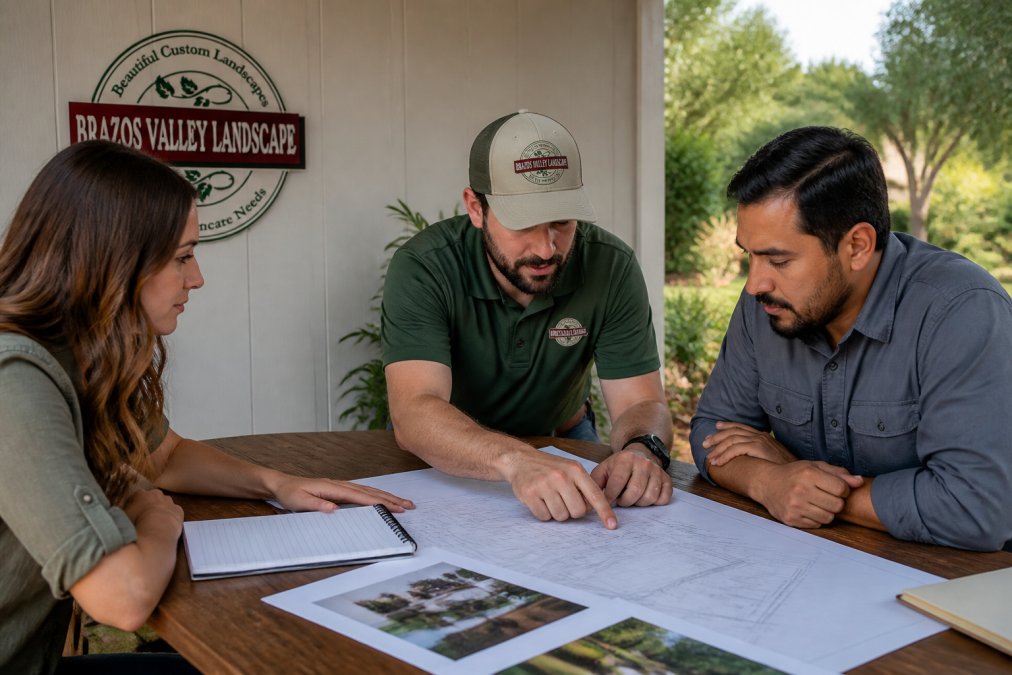
List every person who can influence or be affected by the build, then assign each one a channel and a cadence. A communication matrix turns vague "we'll keep you posted" promises into something you can actually audit.
| Stakeholder | What They Need | Channel | Cadence |
|---|---|---|---|
| Homeowner or property manager | Progress, decisions, costs | Text + weekly email | Weekly |
| On-site foreman | Daily direction, changes | Phone + job-site log | Daily |
| Designer | Design intent, field conflicts | Shared document | As needed |
| Subcontractors | Schedules, access, specs | Group message | Per phase |
| Neighbors | Noise, access, timelines | Door hanger + phone | Phase start |
Step 3: Build a Landscape Project Communication Plan Template
A landscape project communication plan template is a one-page document that names the contact, the update schedule, the escalation path, and the approval process. It takes twenty minutes to fill out and saves weeks of miscommunication.
Fill in these fields:
- Primary contact and backup contact for both sides
- Weekly update day and format
- Approval method for change orders
- Escalation path when a decision stalls
- Photo-sharing location for visual updates
Step 4: Set Landscape Design Project Timeline Expectations Up Front
Timelines slip when clients hear "a few weeks" and picture ten days. Set landscape design project timeline expectations with real phase durations and named dependencies.
- Design and permitting: dependent on client approvals and any required reviews
- Site prep and grading: dependent on weather and access
- Hardscape installation: dependent on material lead times
- Planting and irrigation: dependent on seasonal timing
- Final walkthrough: dependent on punch-list completion
Step 5: Manage Weather Delays, Budget Variance, and Client Expectations
Weather delays are not exceptions in landscape construction; they are part of the schedule. The communication job is to make them predictable rather than surprising. Most generic project management guides treat weather as a risk-register line item. On a landscape build, it is a weekly operational reality, and the way you talk about it determines whether the client reads a delay as "normal" or as "this contractor is falling apart."
Set a weather communication trigger before the first rain day
Don't wait for a storm to decide how you'll handle it. At kickoff, agree on a trigger and a cadence:
- Trigger: any forecast or field condition that will push the next scheduled work day, measurable precipitation, saturated subgrade, frozen ground, or sustained wind that makes hardscape or planting unsafe
- Same-day notice: a text or call before the crew would normally arrive, not after the client has already looked out the window
- Revised date: give a specific next-work date or a "we'll reassess Thursday" checkpoint, never an open-ended "soon"
- Weekly recap: fold the delay into the regular weekly update so the schedule change is documented, not just mentioned
Separate weather delays from weather-driven cost changes
A rain day that pushes labor is a schedule event. A rain day that washes out fresh grading, drowns a plant delivery, or forces a re-pour is a cost event. Communicate them differently:
- Schedule-only delay: report it in the weekly update with the revised milestone date
- Cost-bearing delay: flag it the moment it becomes likely, with a written change order before the rework begins
- Client-caused delay: if the client's own approval or material selection is holding a phase, say so plainly and put the date in writing
Keep the client's expectations anchored to the original scope
Every time a change request arrives, a bigger patio, a different plant palette, an added lighting run, restate the original scope so the client sees the trade-off in time and money, not just in the new feature. This is the same discipline from Step 1, applied at the moment it matters most. A client who understands that adding a fire pit pushes the planting phase by a week is a client who won't be surprised when it does.
What to put in the delay message
A delay notice that actually reduces friction has four parts: what changed, why, what the new plan is, and what you need from the client (usually nothing). Keep it short. Long explanations read as excuses; a clear revised date reads as control.
Step 6: Best Practices for Contractor-Client Communication on Site
The best practices for contractor-client communication on site come down to one rule: never let a question sit overnight. Answer it the same day, even if the answer is "I'll confirm tomorrow."
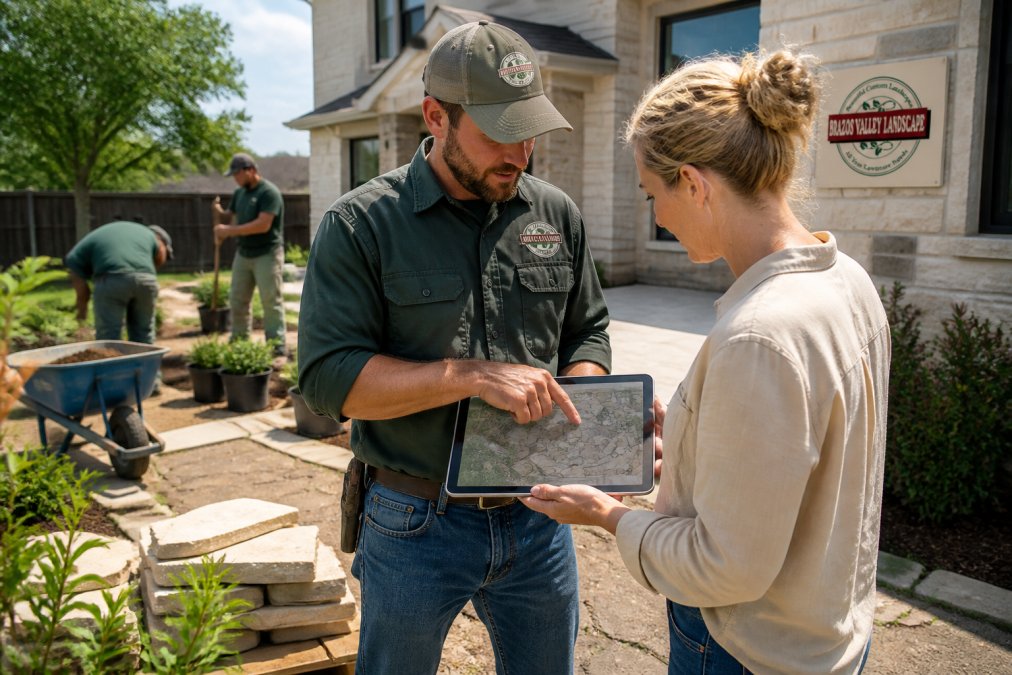
On-site habits that hold up under pressure:
- Active listening: repeat the client's request back before responding
- Daily log: note what was done, what's next, and any blockers
- Visual updates: photos beat verbal descriptions every time
- One voice: the foreman speaks for the crew, so the client isn't juggling five explanations
- Conflict resolution: address disagreements at the site, not over email chains
Step 7: Use Landscape Project Management Software Tools to Track Progress
Landscape project management software tools are worth adopting once you're running more than one crew or more than a handful of active jobs. Below that threshold, a shared document and a group message thread do the job. The mistake is buying a generic construction platform and then discovering it has no place to put a planting plan, a rendering revision, or a seasonal maintenance schedule.
What landscape-specific tooling actually needs to do
Generic project management tools handle tasks, dates, and files. Landscape work adds three things those tools usually miss:
- Visual versioning: site plans, 3D renderings, and planting layouts change during the build. The tool needs a place to store the current approved version and a way to show the client what changed and when.
- Phase-based scheduling tied to seasons: planting windows, irrigation start-up, and sod installation are calendar-sensitive in a way that framing and drywall are not. The tool should let you anchor a phase to a season, not just a date.
- Post-installation handoff: warranty terms, irrigation controller settings, and first-season care instructions need a home that outlives the job. Most generic tools archive the project and forget it.
Match the tool to the crew, not the other way around
Pick a tool your foreman will actually open on a phone in the field, with gloves on, in bright sun. A sophisticated platform nobody uses is worse than a simple one everybody does. Practical selection criteria:
- Mobile-first capture: photo upload and daily log entry in under a minute
- Client-visible view: the homeowner can see progress without calling, but cannot edit the schedule
- Change-order logging: approvals are timestamped and tied to a dollar figure
- One channel: updates flow through the same place the communication plan from Step 3 names, not five different apps
Where visual communication lives in the tool stack
This is the piece most guides skip. Landscape clients approve a design based on a rendering, then watch it get built in stages that look nothing like the rendering until the end. The tool needs a dedicated visual update thread, a weekly photo set from the same two or three angles, plus a marked-up plan whenever a field change alters the design intent.
Don't let the tool replace the handoff
Software tracks the build; it does not close the relationship. After the final walkthrough, use the same tool to deliver the maintenance schedule, irrigation settings, plant care notes for the first season, and the warranty contact. That single handoff message, sent through the channel the client already knows, turns a finished job into a referral source. The tool is what makes that handoff repeatable instead of something you remember to do on a good week.
Frequently Asked Questions
How do you create a communication plan for a landscape project?
Start by naming who talks to whom and how often. List the homeowner, the project manager, the on-site foreman, and any subcontractors. Set a weekly status update, a shared channel for daily questions, and a rule that change orders go in writing. Tie each update to a milestone, such as grading complete or irrigation rough-in done. A written landscape project communication plan template keeps everyone working from the same schedule instead of chasing updates by phone.
How often should a contractor update a client on project progress?
Weekly written updates work for most residential builds, with a short check-in at the end of each major milestone. During active excavation, drainage work, or hardscape installation, daily texts or photos help. The key is consistency: pick a cadence in the landscape design project timeline expectations and hold to it. If a weather delay pushes the schedule, send the update the same day rather than waiting for the next scheduled report.
Why is clear communication important during outdoor construction?
Outdoor work is exposed to rain, heat, and soil conditions that change daily, so schedules shift more than they do indoors. Clear communication keeps budget variance, change orders, and site access rules visible before they become disputes. It also protects the work itself: if a homeowner knows irrigation trenches will be open for two days, they can keep kids and pets clear. Good best practices for contractor-client communication reduce rework and protect the project handover.
How do landscape project management software tools help during a build?
They centralize the moving parts: schedules, photo logs, change orders, invoices, and message threads. Instead of searching texts for the approval on a paver upgrade, everything sits in one place tied to a milestone. Many tools also support milestone tracking and KPI tracking, so you can see schedule adherence at a glance. For homeowners, the main benefit is a single dashboard where progress photos and upcoming tasks are visible without a phone call.
Landscape projects go sideways when updates stop flowing, not when the work is hard. Brazos Valley Landscape, Inc. runs every build with a defined communication plan, a named point of contact, and scheduled progress updates, backed by comprehensive landscaping and hardscaping services and customized outdoor living solutions. If you want a project where you always know what's happening next, get started with Brazos Valley Landscape, Inc. and turn your outdoor vision into reality.